

Creating an Environment Variable
- Go to environments (top right) and press No environment.
- If there are no environments, you will be prompted to create one.
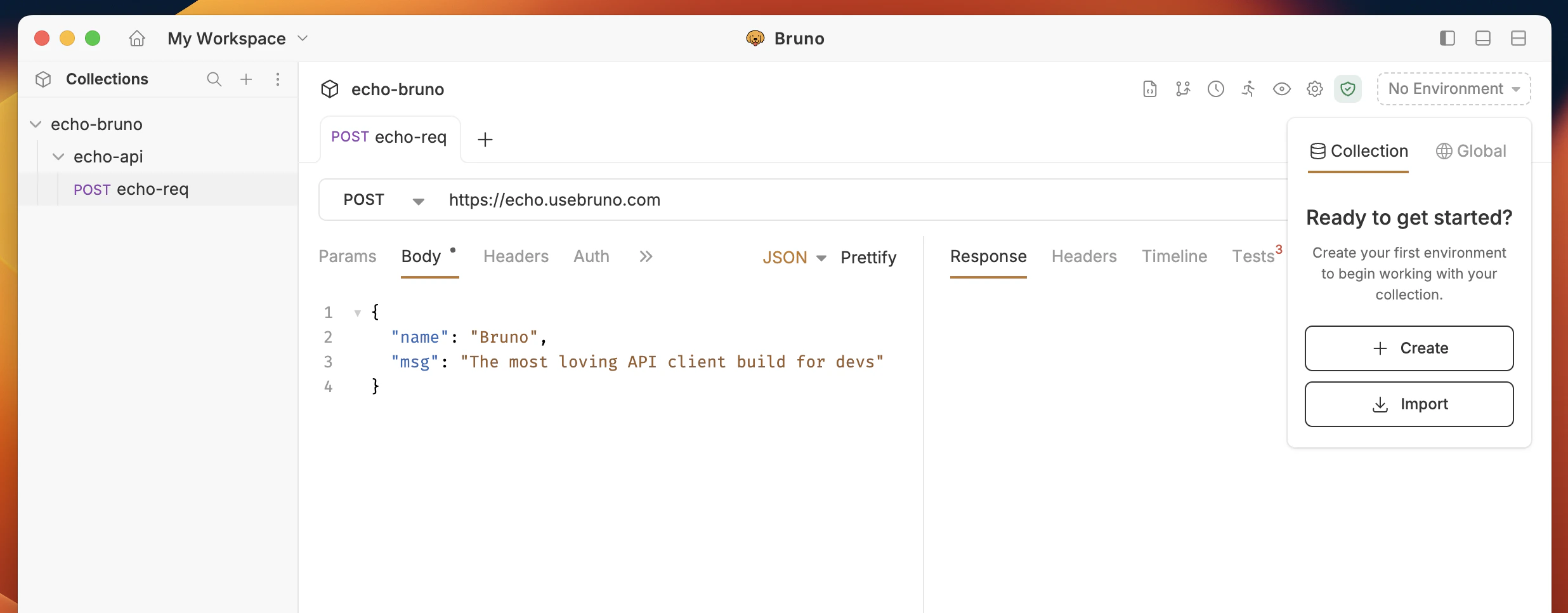
- Add your variable name and value for the specific environment.
- Save your changes.
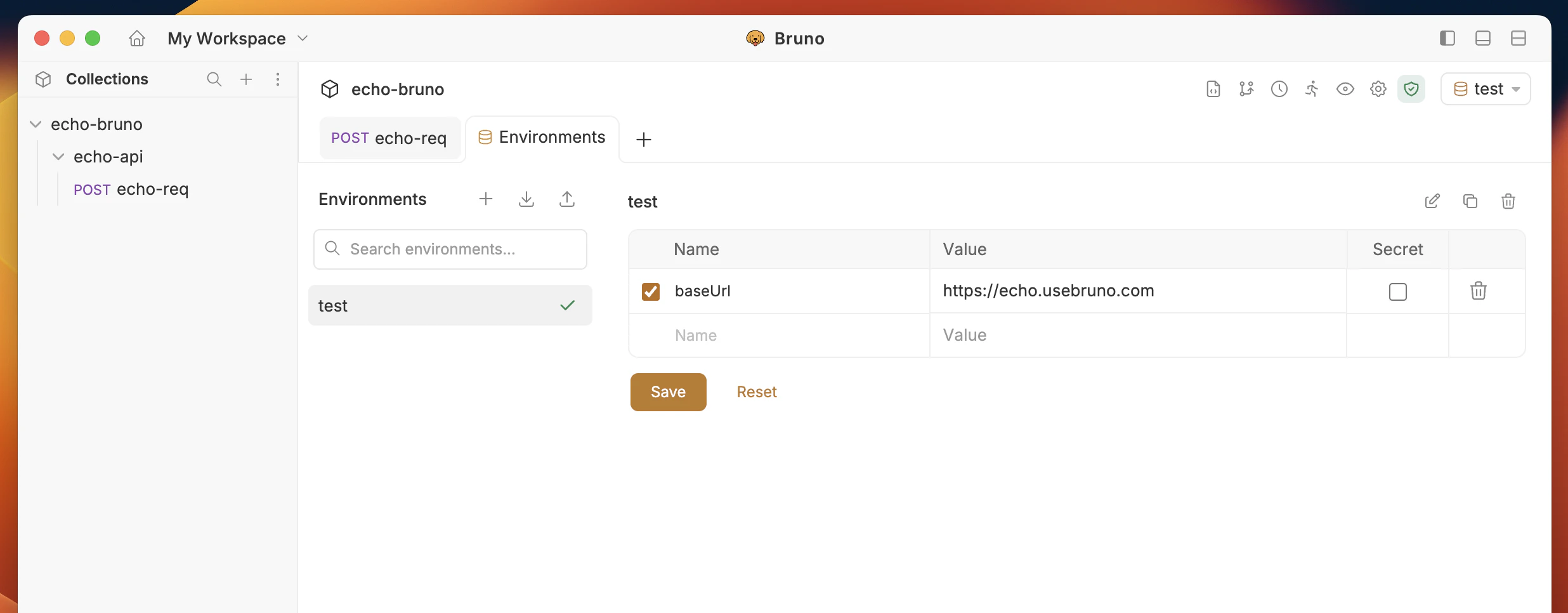
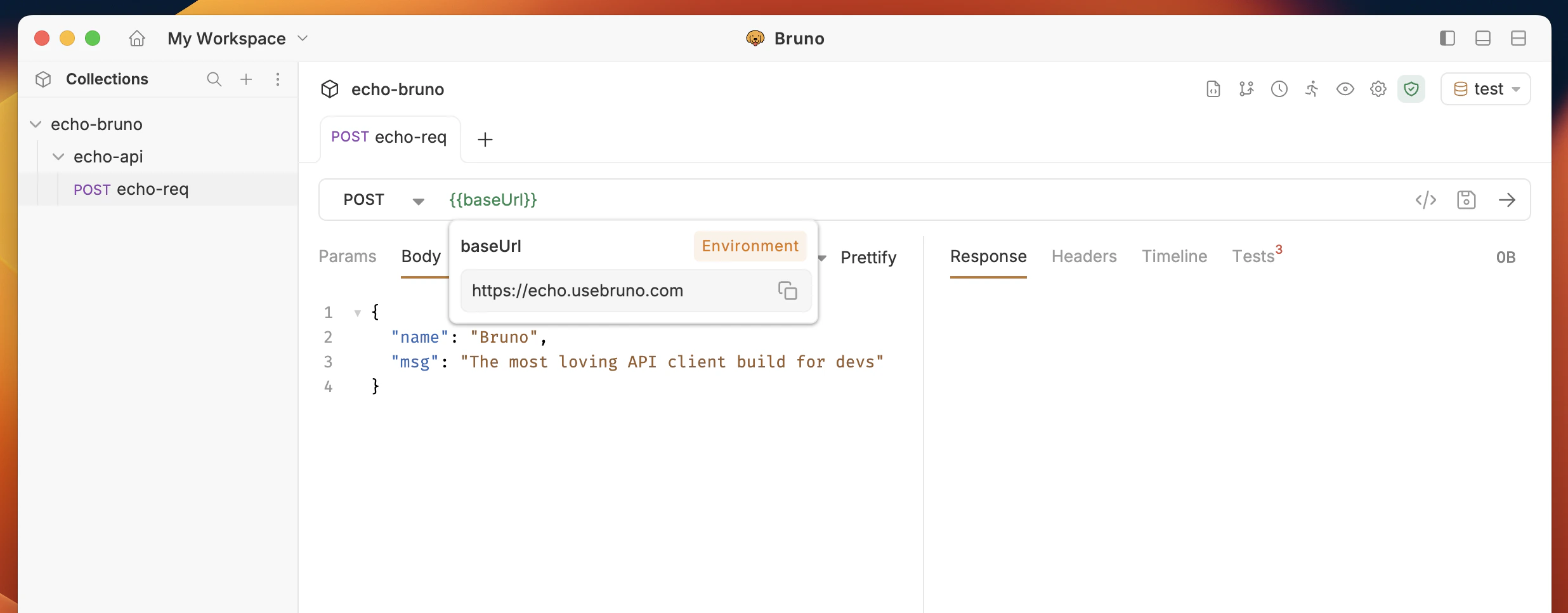
Using an Environment Variable
Just like other variables you can use the{{varName}} syntax to use an environment variable in a request. On the top-right, you can see which environment you are currently using and select a different one.
Searching environment variables
When working with a large number of environment variables, you can use the search feature to quickly find specific variables.- Open your environment settings.
- Click the search icon in the environment details panel.
- Type your query to filter variables by name or value.
The search feature is also available for global environment variables.
Using the ./environment directory
Environment variables are synced with the/environments directory inside your collection. You can also create and manage environments there.
Each environment is saved in a <environment-name>.bru file, which looks like this:
For information on importing and exporting environment variables, see the Import/Export Environments guide.